Channels
Marketing Software Automation Platform Chatbot Builder Flow Builder AI Agents Lead Nurturing Bulk Messaging WhatsApp Calling CTWA Ads
Industries
Real Estate E-commerce Education Healthcare Restaurants Clothing & Fashion Jobs & Recruitment Food & Beverage Fitness & Gyms Finance & Insurance
Integrations
Shopify WooCommerce Razorpay Google Sheets Google Calendar
Partners
Referral Program Agency Solution
About Us Articles Pricing Contact Us Login Signup

Google Sheets WhatsApp Automation & Integration

Sync Data to Google Sheets

Connect your Google Sheets directly to WhatsApp to send automated messages, launch 1-click broadcasts, and export incoming leads without manual copy-pasting. NOTYFY PLUS turns your spreadsheets into a powerful WhatsApp message sender and real-time analytics hub with 2-way synchronization.

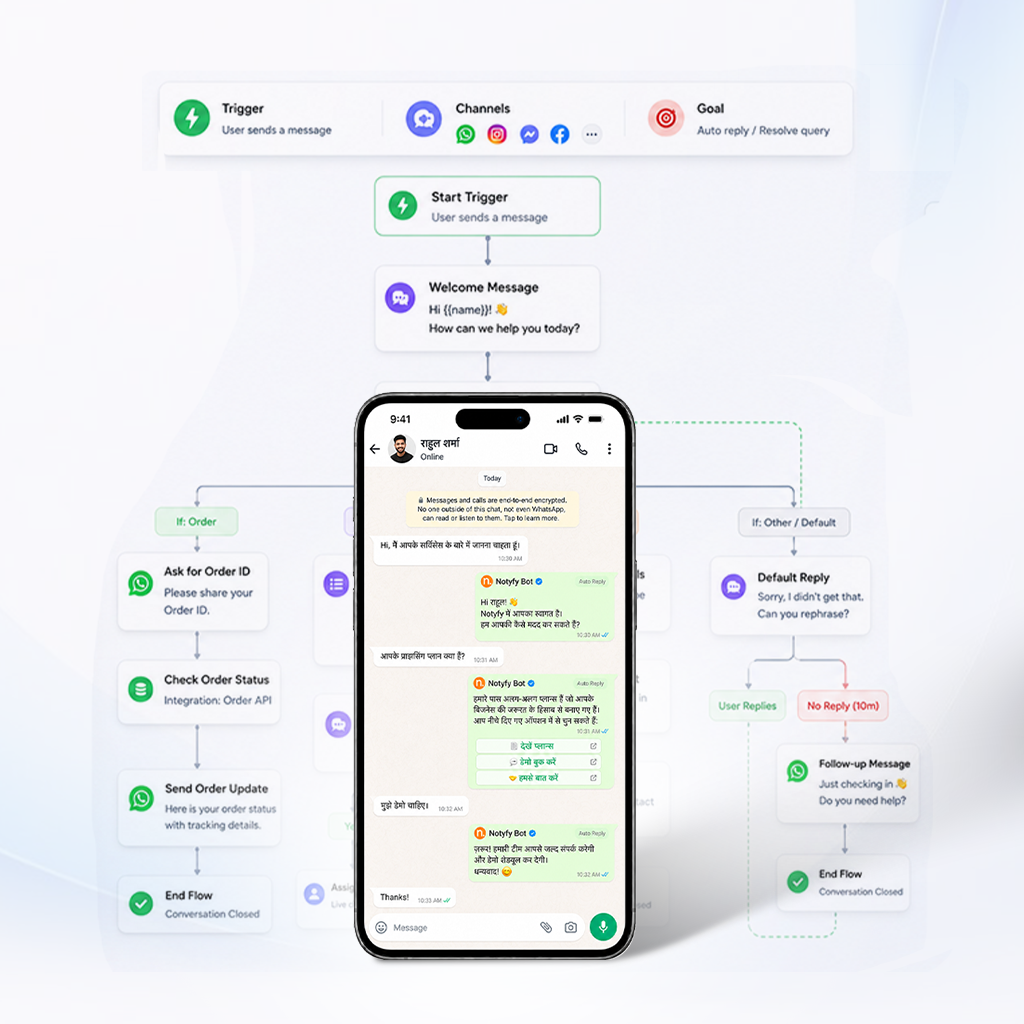
Google Sheets WhatsApp integration for messages and lead sync
WHY CHOOSE US

Powerful WhatsApp Solutions for Google Sheets

NOTYFY PLUS provides everything you need to succeed with Google Sheets WhatsApp Automation Tools.

INTEGRATION CAPABILITIES

Automate Sending, Broadcasting & Data Sync

Connect your spreadsheet to the WhatsApp Business API for instant row-triggered messaging and two-way data flow.

Send WhatsApp Messages from Google Sheets

A WhatsApp Message Sender for Google Sheets lets you trigger a WhatsApp message the moment a row is added or updated in your spreadsheet, without writing a script yourself. NOTYFY PLUS maps your sheet's columns to message variables, so each contact receives a personalized message automatically.

  • Trigger messages from new or updated spreadsheet rows
  • Personalize each message using your sheet's column data
  • Send individually or in bulk from the same sheet
  • No scripting or coding required to set up

Broadcast WhatsApp Campaigns via Google Sheets

Google Sheets WhatsApp Broadcasts let you send a single campaign to your entire contact list directly from a spreadsheet, instead of uploading contacts into a separate campaign tool each time. NOTYFY PLUS reads your sheet, personalizes each message, and reports delivery status back into the same file.

  • One-click broadcast to every contact row in your sheet
  • Personalized variables pulled from each row automatically
  • Delivery and read-status reported back to the sheet
  • Ideal for promotions, announcements, and event reminders

Google Sheets WhatsApp Integration

A Google Sheets WhatsApp Integration connects your spreadsheet to the WhatsApp Business API so data flows both ways — outbound messages triggered from sheet rows, and inbound leads or analytics exported back automatically. NOTYFY PLUS handles this connection natively, without needing a third-party automation tool like Zapier in between.

  • Native two-way connection without third-party middleware
  • Outbound messaging triggered automatically from sheet rows
  • Inbound leads & responses exported back to sheets in real time
  • Zero extra API subscriptions or Zapier tasks needed

WhatsApp Marketing with Google Sheets

WhatsApp Marketing Google Sheets workflows let marketing teams manage campaign lists in a familiar spreadsheet instead of learning a separate CRM, while still running full broadcast campaigns with tracking. NOTYFY PLUS keeps this simple: update the sheet, launch the campaign, and see results without switching tools.

  • Run targeted campaigns without complex CRM onboarding
  • Full broadcast tracking with live status updates in sheets
  • Simple list updates: edit sheet rows and launch in seconds
  • Ideal for agile marketing, e-commerce, and agency operations
FAQ

Frequently Asked Questions

Everything you need to know about Google Sheets WhatsApp Automation.

Ask A Question
What is Google Sheets WhatsApp Automation?

It's a connection between your spreadsheet and the WhatsApp Business API that lets you send messages triggered by sheet rows, broadcast campaigns to your contact list, and export leads and analytics back into the sheet automatically.

How does a WhatsApp Message Sender for Google Sheets work?

You map your sheet's columns to message variables, and NOTYFY PLUS sends a personalized WhatsApp message to each contact row — individually or in bulk — without requiring you to write any code or script.

Can I broadcast a campaign to my whole contact list from Sheets?

Yes — Google Sheets WhatsApp Broadcasts let you send one campaign to every row in your sheet at once, with delivery and read-status reported back into the same file for easy tracking.

Do I need Zapier or another tool for this Google Sheets WhatsApp Integration?

No — NOTYFY PLUS connects natively to Google Sheets, so data flows both ways without a third-party automation tool in between, simplifying setup and reducing points of failure.

Are there ready-made Google Sheets WhatsApp automation tools, or do I build my own?

NOTYFY PLUS provides pre-built automation tools for common use-cases — bulk sending, broadcasts, lead export — so most teams don't need to build custom workflows from scratch.

GET STARTED

Ready to Automate WhatsApp with Google Sheets?

Join businesses already using NOTYFY PLUS to send broadcasts, sync leads, and automate messages — all through Google Sheets.